How to plan travel outfits and pack from your own closet
Pack for activities, not imagined emergencies
Before opening your suitcase, list what you expect to do each day. Walking around a city, attending a work meeting and going to dinner can require different shoes or layers. A useful packing plan connects each piece to an activity and makes repeated pieces easy to spot.
Start with clothes you already know are comfortable. Your digital closet gives you a place to compare them before pulling everything out. For each activity, choose a complete outfit first; then work backward to the garments you need to bring.
Build a three-day example around shared pieces
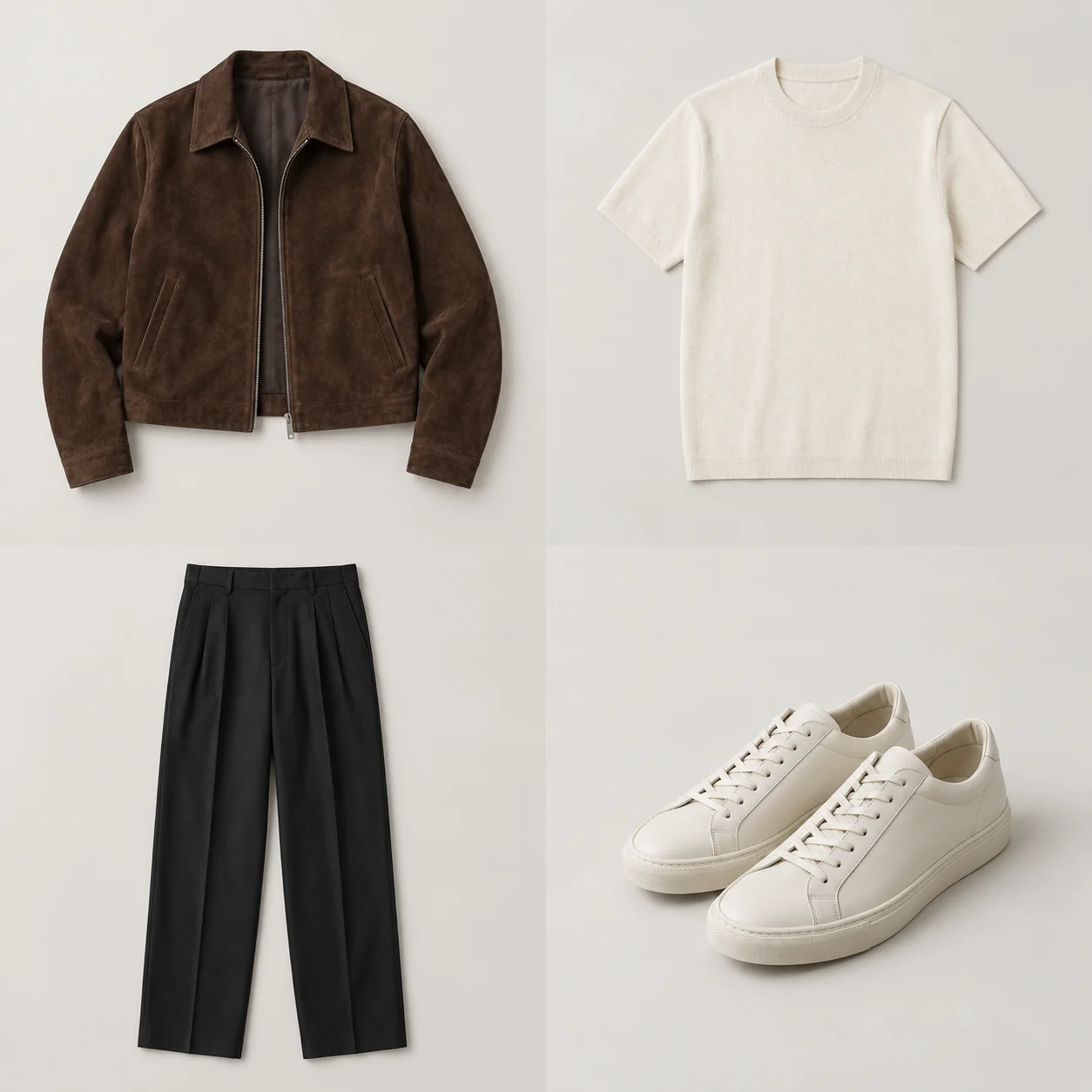
Imagine a two-night city trip with a train journey, a full day of exploring and one dinner. Begin with a white tee, a striped shirt, a darker dinner top, dark trousers, a second comfortable bottom, a light jacket, walking shoes and a dinner-appropriate shoe.
| Moment | Example look | What repeats |
|---|---|---|
| Friday travel | White tee, comfortable bottom, light jacket, walking shoes | The jacket and shoes also cover exploring. |
| Saturday exploring | Striped shirt, dark trousers, walking shoes | The trousers can work for dinner. |
| Saturday dinner | Darker top, dark trousers, dinner shoes | Change the top and footwear, keeping the base. |
| Sunday return | Available clean top, comfortable bottom, light jacket | Reuse suitable pieces rather than adding a whole extra outfit. |
This example does not include underwear, sleepwear, toiletries or weather-specific extras. Add those deliberately. Rewearing also depends on comfort, cleanliness and conditions; include a fresh alternative when it is needed rather than assuming every piece will remain wearable.
Set up the trip in DressNyse
- Open the menu and choose Trip Planner.
- Tap Add New Trip, then enter a recognizable trip title.
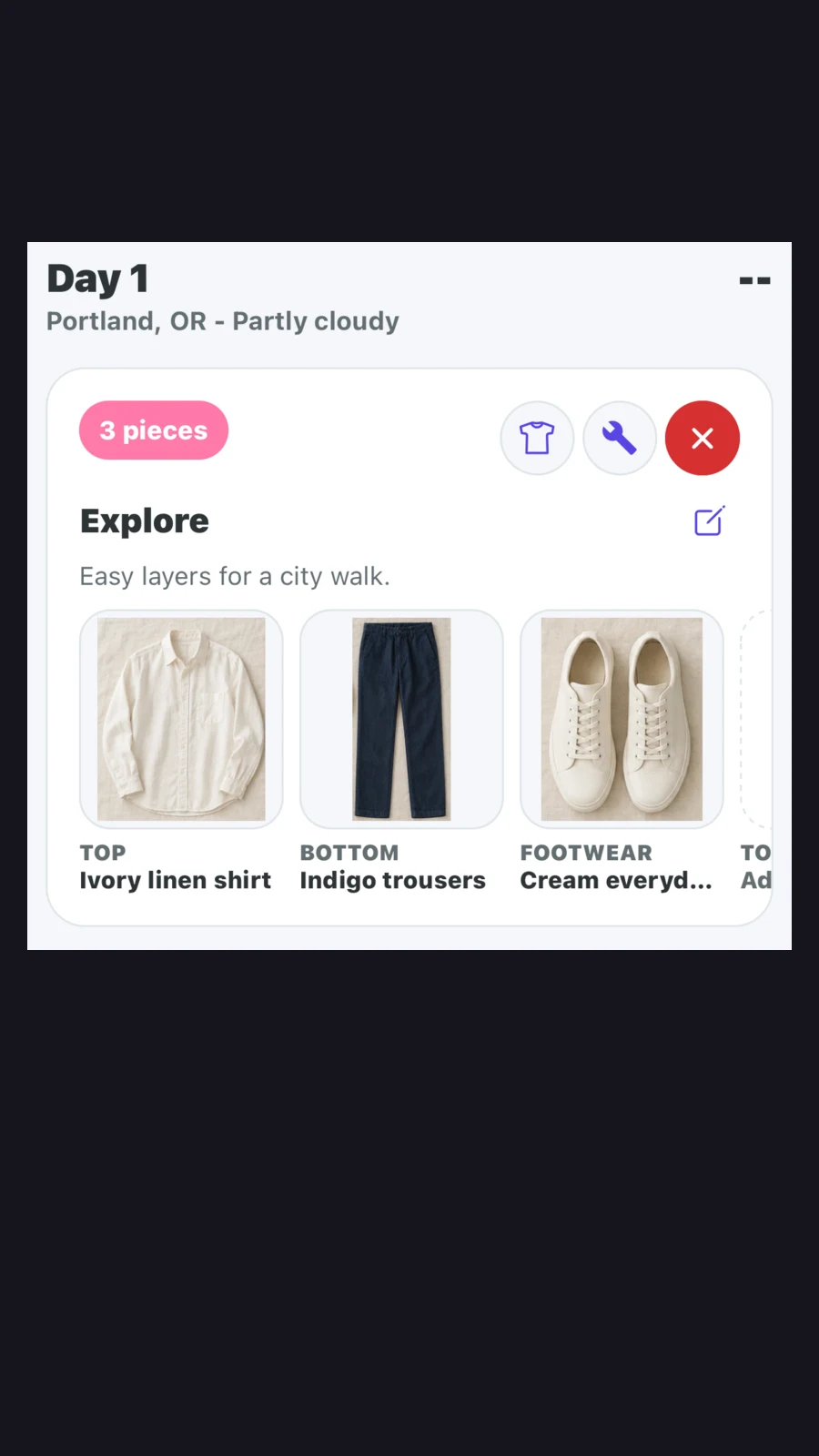
- Set Start and End, add your destination or where you are staying, and choose relevant Trip moments, such as Work, Explore or Dinner.
- Tap Save Trip, then review the day and activity suggestions in Plan and Looks.
Review the weather when it is available. A -- means there is no forecast for that date yet, so check again nearer departure. Make your own adjustments for activities, dress requirements and likely conditions.
Refine each look before packing it
Tap a garment in a trip look, choose Swap Item and select a replacement. Tap outside the selected piece, then choose Update Look to keep the change. Revert Changes lets you return to the previous version.
If you already have a combination you trust, use the shirt icon to choose Use Saved Outfit, then Update Look. The wrench opens Outfit Builder for further editing; saving there also lets you keep the look in Saved Outfits.
For the dinner example, compare the two shoe options before adding both to your bag. You may decide one suitable pair handles every planned activity. Our collage and virtual try-on guide explains how each preview can help with that decision.
Use the outfits to make the packing list
Open Pack. Closet Pulls collects the garments used in your trip looks. Add common travel items, adjust quantities and tick items as they go into the bag. Count shared garments once when checking what you physically need.
In the current beta, Closet Pulls clothing checkmarks can reset when you reopen a trip; checkmarks for added common items are saved. Recheck the clothing section before departure. Your next step: create one upcoming trip and plan its travel, main activity and evening looks before packing. The outfit planner can help you keep useful combinations for the next trip too.
PUT IT INTO PRACTICE
Your wardrobe is the starting point.
Explore outfit planner in DressNyse, or join the interest list for a chance to help shape the app.
Join the beta interest list ↗